Skip to content

What's new

Grubie Launcher update history: new features and fixes in every version.

2.2.6

November 12, 2026
Latest version

Grubie Launcher 2.2.6

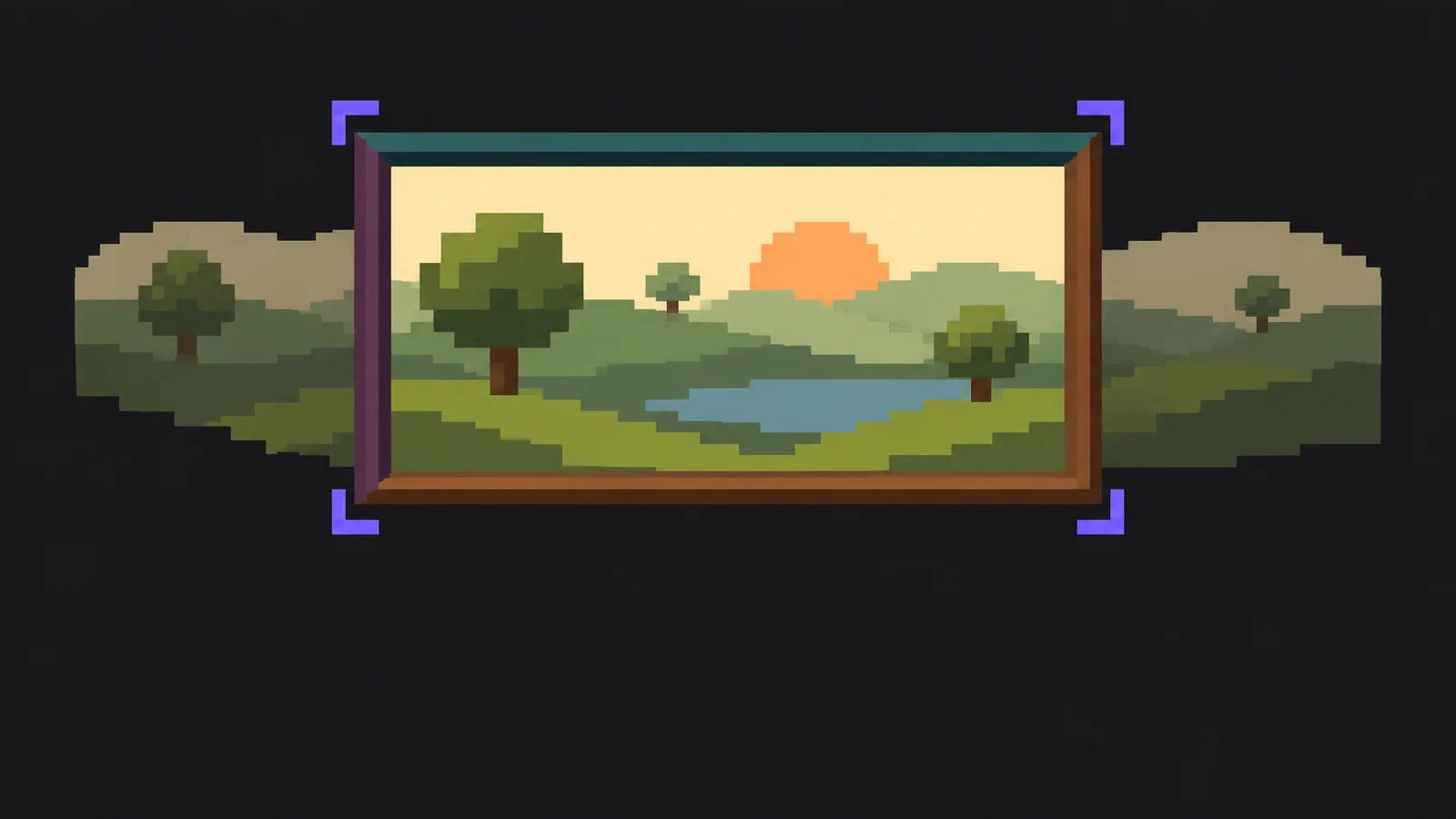
Theme pictures placed the way you want, coloured panels, resource metrics for instances and easier drag and drop in the Mod Manager.

Highlights

  • Added Placement for the theme picture: Fill, with the visible part chosen by dragging the preview, Whole, with a blurred copy along the edges, or Stretch.
  • Added Panel colours to the theme editor: the sidebar and the top bar can have their own colour, and the text on them adjusts automatically.
  • Added Resources to an instance’s Statistics tab: game memory, process RAM, loading time and stutters for every launch, what changed between launches and memory advice.
  • Added a hint on the Shaders tab of the Mod Manager when the instance has no Iris or Oculus, with a button to install it.
  • Improved drag and drop in the Mod Manager library: the list scrolls when a mod reaches its edge, and all your groups appear at the bottom as drop targets.
  • Improved theme cards: each one now shows a small copy of the launcher in the theme’s colours and picture.

Fixed

  • The window buttons on Windows now follow the theme instead of staying dark in the Light theme.
  • My server on NeoForge 26.1 now starts on Linux and macOS.
  • Publishing an instance whose icon is a web link no longer stops at the logo upload.
2.2.5

November 03, 2026

Grubie Launcher 2.2.5

Make the launcher your own: themes and a theme gallery, interface scale, your own layout and deleting an instance from the menu.

Highlights

  • Added themes in Settings → Themes: the built-in OLED and Light, or your own from four colours and a background picture. A readability check keeps text legible.
  • Added the theme gallery: install a player’s theme in one click or publish yours from its card’s “…” menu; a moderator checks every theme. Themes can also be shared as a file or a code.
  • Added Interface scale from 80% to 150% in Settings → Interface (also Ctrl+=, Ctrl+−, Ctrl+0 and Ctrl+mouse wheel) and a separate Log text size for game logs and the server console.
  • Added Settings → Layout: hide and reorder sidebar items, collapse the sidebar to icons with Ctrl+B, choose the Play screen blocks and instance tabs, or pick a ready-made set.
  • Added Animations, High contrast, Background grain, Cover glow, notification volume, Start screen and what the launcher does when the game starts; Who’s talking can now pick its corner and monitor.
  • Added “Delete instance” to the right-click menu of instances in the library and the sidebar and to the “…” menu on the Play screen; the Delete key works in the library too.
  • Improved memory use: JVM optimization is now off by default for new players, so the game takes about 1 GB less RAM. It can be turned on in Settings → Game.
2.2.4

November 01, 2026

Grubie Launcher 2.2.4

Drag mods into groups, follow project links inside the Mod Manager and start the launcher faster.

Highlights

  • Added drag and drop into groups and the Delete key to the Mod Manager library: drop a mod on a group, “New group…” or “Remove from group”; Delete removes the ticked mods or the one under the cursor.
  • Added search to the Mod Manager filters: type part of a name, pick an option with the arrow keys and press Enter to tick it.
  • Added in-app links: Modrinth and CurseForge links in mod descriptions and changelogs open right in the Mod Manager, with a way back. Ctrl- or Shift-click opens them in the browser.
  • Added an explanation of every JVM optimization flag: click the info icon next to “JVM optimization” in Settings → Game or in the instance settings.
  • Improved the account block in the sidebar: click your nickname to open your profile, or the arrow to switch accounts.
  • Improved speed: the launcher starts faster, search in the Mod Manager library responds instantly even with hundreds of mods, and the assistant, profile and instance logs open without a delay.

Fixed

  • Selecting text no longer highlights buttons and menus: only text such as mod descriptions, logs, the server console, chat and “What’s new” can be selected and copied.
2.2.2

October 30, 2026

Grubie Launcher 2.2.2

Move an instance to another version, save mods as sets and sort them into groups.

Highlights

  • Added “Move to another version…” to the instance menu: it makes a copy for another Minecraft version or loader with matching mod versions and can bring settings, mod configs and worlds along.
  • Added mod sets: save the mods of an instance as a set, then add it to any instance or pick it when creating a new one. Mod versions are picked for that instance’s Minecraft and loader.
  • Added your own mod groups to the Mod Manager library: collapse them and turn a whole group on or off at once.
  • Added categories and “Hide libraries” to the library filters.
  • Added search by author: click the author of a mod or modpack to see all of their projects.
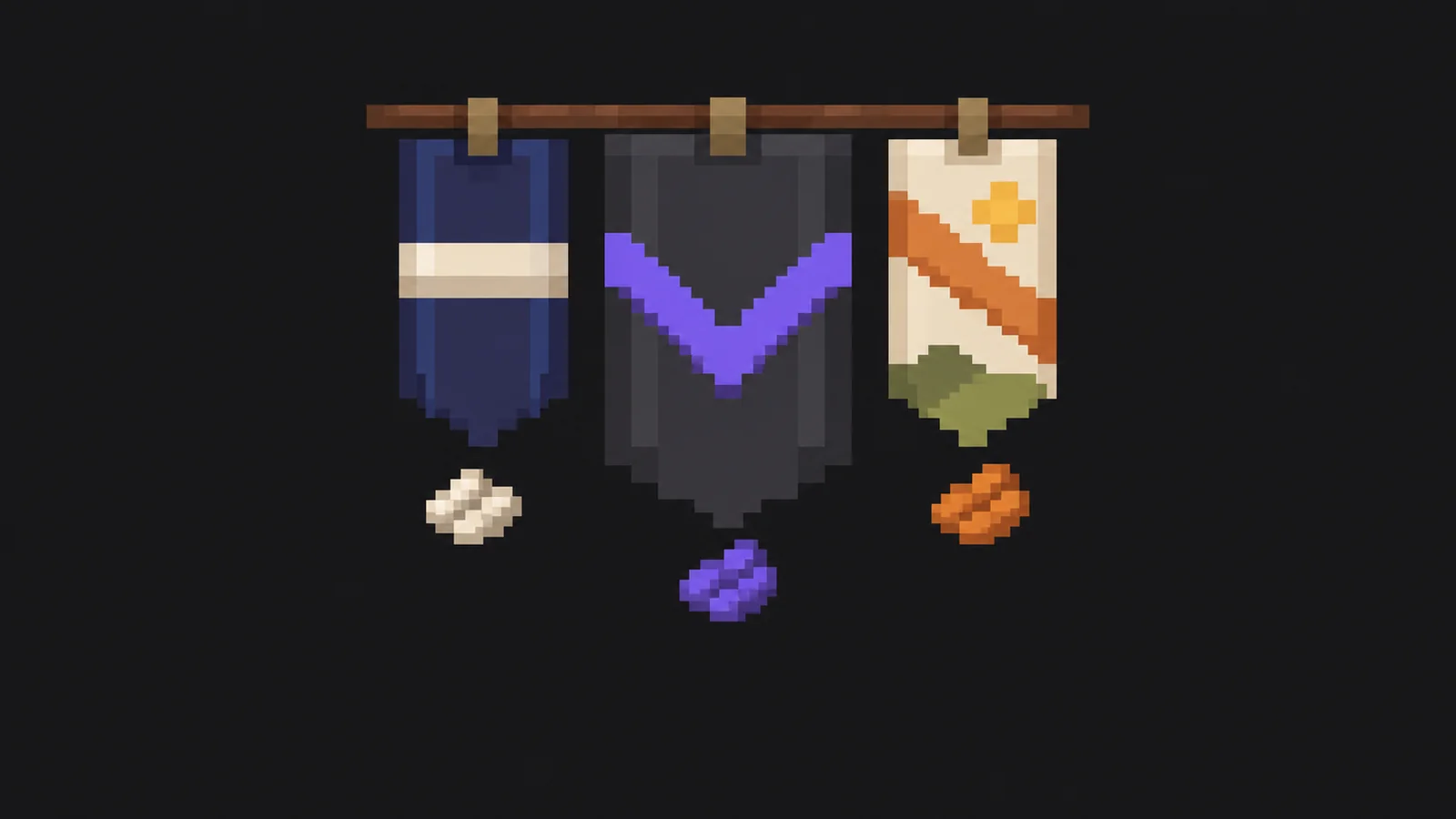
  • Added art for every launcher version: it is shown in “What’s new”, in the news and in the version history.
2.2.1

October 24, 2026

Grubie Launcher 2.2.1

Grubie Launcher now runs on macOS.

Highlights

  • Added macOS support for Apple Silicon and Intel Macs on macOS 12 or later. Versions before 1.19 run on Apple Silicon through Rosetta 2, which the launcher offers to install.

Fixed

  • The “System settings” button next to “Microphone access denied” in voice chat now opens the microphone privacy settings.
2.2.0

October 18, 2026

Grubie Launcher 2.2.0

Six new languages, the built-in Grubie assistant and one-click crash fixes.

Highlights

  • Added German, Spanish, French, Polish, Brazilian Portuguese and Turkish as interface languages.
  • Added Grubie, a built-in assistant that needs no AI key of your own. It is available to those who supported the project, with a daily limit of questions.
  • Improved the assistant: it shows what will change before you confirm, can undo its actions, summarizes long chats and can now adjust video settings and mod configs.
  • Added one-click fixes when the game crashes: turn off the mod that caused it, give the game more memory or check integrity.
  • Added Shift and Ctrl selection in the Mod Manager library, when choosing files to publish an instance and in other lists with checkboxes.

Fixed

  • If the launcher can't check an instance shared by another player for updates, it now says so and offers to retry or run without updating instead of silently starting the old version.
  • Fabric, Quilt and similar instances whose name ends with “!” now explain why they can't start and offer to rename them.
  • Instances imported from Prism Launcher and MultiMC now keep all mod data from the game folder, not just mods, configs and worlds.
2.1.3

October 16, 2026

Grubie Launcher 2.1.3

ReIndev with FoxLoader and fixes for old versions.

Highlights

  • Added ReIndev with FoxLoader: create an instance, switch FoxLoader versions and import official ReIndev archives for MultiMC and Prism Launcher.

Fixed

  • Beta and 1.0–1.5.2 instances with ModLoader no longer crash on launch.
  • Instances with “!” at the end of their name now start.
2.1.2

October 13, 2026

Grubie Launcher 2.1.2

Halloween decorations and better support for old versions.

Highlights

  • Added Halloween decorations from October 20 to November 3: bats, pumpkins and cobwebs. You can turn them off in interface settings.
  • Improved importing Alpha and Beta instances from Prism Launcher and MultiMC: packs like NSSS now keep their jar mods and start correctly.
  • Added import of BTA instances made with the BTA Update Utility. The latest BTA (Babric) is installed automatically.

Fixed

  • Fixed sign-in with Discord, Microsoft or Ely.by hanging in Firefox and with some VPNs.
  • Fixed some jar mods for Alpha and Beta not starting the game.
  • Fixed official BTA 8.x archives for MultiMC failing to import.
  • Fixed occasional crashes in old Alpha and Beta versions.
2.1.1

October 09, 2026

Grubie Launcher 2.1.1

Choose which Java runs your game.

Highlights

  • Added Java selection for instances, servers, and all games in settings, with warnings when the Java doesn't suit the game version.

Fixed

  • Personal launch settings are no longer included in shared and exported modpacks.
2.1.0

October 06, 2026

Grubie Launcher 2.1.0

Server catalog, modpack updates and a smarter config editor.

Highlights

  • Modrinth server catalog with one-click instance creation
  • Modpack tab: versions, changelogs, updates and rollback
  • Config editor with search, comment translation and history
  • Legacy Fabric, Babric, Ornithe, BTA and jar mods for old versions
  • Custom nickname, new voice settings and streamer mode

Fixed

  • Voice crackling at volume above 100%
  • Missing Fabric mods for Quilt and Legacy Fabric instances
  • Notifications covering the top of the window