v2.2.6November 12, 2026
Grubie Launcher 2.2.6
Theme pictures placed the way you want, coloured panels, resource metrics for instances and easier drag and drop in the Mod Manager.
Highlights
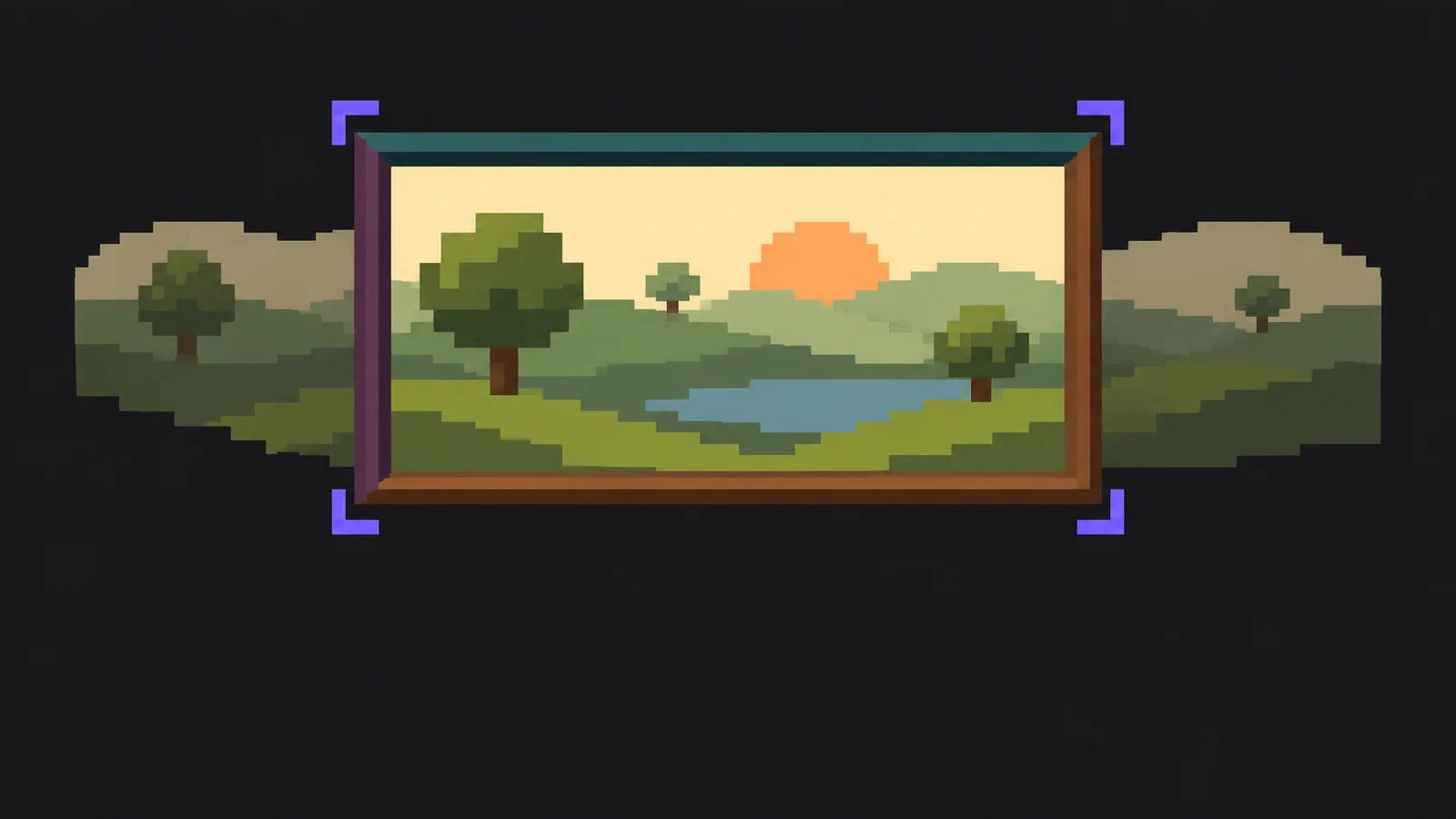
- Added Placement for the theme picture: Fill, with the visible part chosen by dragging the preview, Whole, with a blurred copy along the edges, or Stretch.
- Added Panel colours to the theme editor: the sidebar and the top bar can have their own colour, and the text on them adjusts automatically.
- Added Resources to an instance’s Statistics tab: game memory, process RAM, loading time and stutters for every launch, what changed between launches and memory advice.
- Added a hint on the Shaders tab of the Mod Manager when the instance has no Iris or Oculus, with a button to install it.
- Improved drag and drop in the Mod Manager library: the list scrolls when a mod reaches its edge, and all your groups appear at the bottom as drop targets.
- Improved theme cards: each one now shows a small copy of the launcher in the theme’s colours and picture.
Fixed
- The window buttons on Windows now follow the theme instead of staying dark in the Light theme.
- My server on NeoForge 26.1 now starts on Linux and macOS.
- Publishing an instance whose icon is a web link no longer stops at the logo upload.
Share the release
Ready-made posts built from the release text itself. Copy and publish.
**Grubie Launcher 2.2.6 is now available.**
Theme pictures placed the way you want, coloured panels, resource metrics for instances and easier drag and drop in the Mod Manager.

What's new:
- Added Placement for the theme picture: Fill, with the visible part chosen by dragging the preview, Whole, with a blurred copy along the edges, or Stretch.;
- Added Panel colours to the theme editor: the sidebar and the top bar can have their own colour, and the text on them adjusts automatically.;
- Added Resources to an instance’s Statistics tab: game memory, process RAM, loading time and stutters for every launch, what changed between launches and memory advice.;
- Added a hint on the Shaders tab of the Mod Manager when the instance has no Iris or Oculus, with a button to install it.;
- Improved drag and drop in the Mod Manager library: the list scrolls when a mod reaches its edge, and all your groups appear at the bottom as drop targets.;
- Improved theme cards: each one now shows a small copy of the launcher in the theme’s colours and picture.

Fixed:
- The window buttons on Windows now follow the theme instead of staying dark in the Light theme.;
- My server on NeoForge 26.1 now starts on Linux and macOS.;
- Publishing an instance whose icon is a web link no longer stops at the logo upload.

*If you notice an issue after updating, let us know.*

Download: https://grubielauncher.com/en/release/2.2.6?ref=discord