Mod. Share. Play together.
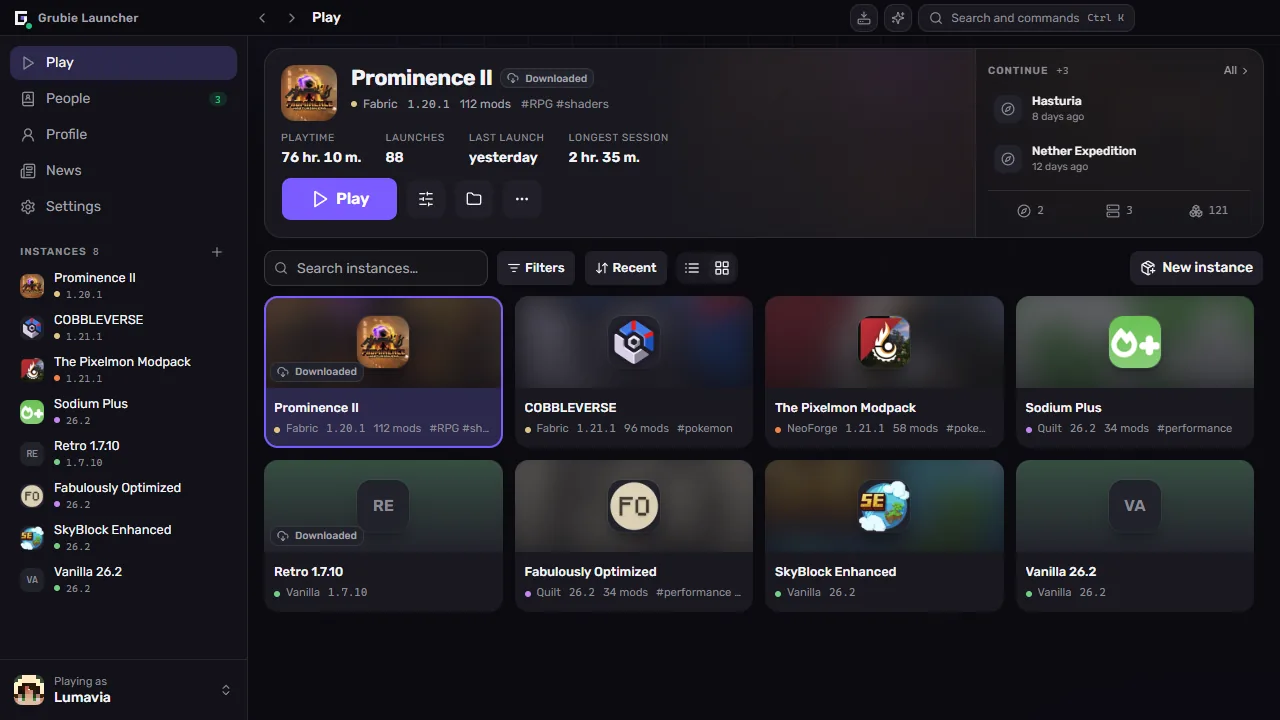
A Minecraft launcher where friends join your world in one click, modpacks update for everyone on their own, and after a crash you see right away what went wrong.
Grubie in numbers
- 553
- Players in Grubie
- 1,085
- Launcher downloads
- 6,840
- Hours played
01Versions and loaders
Any version. Any loader.
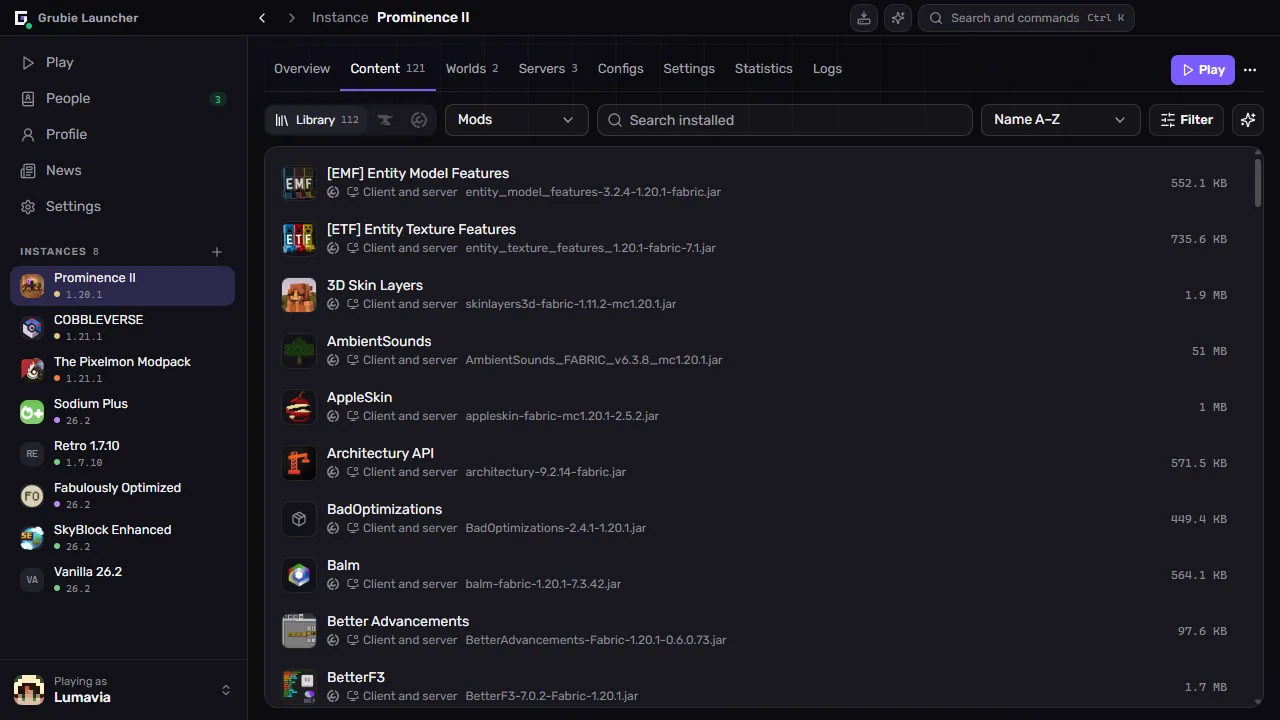
Fabric
Lightweight, fast and first to update
Press 1–9 or scroll over the hotbar
02Playing together
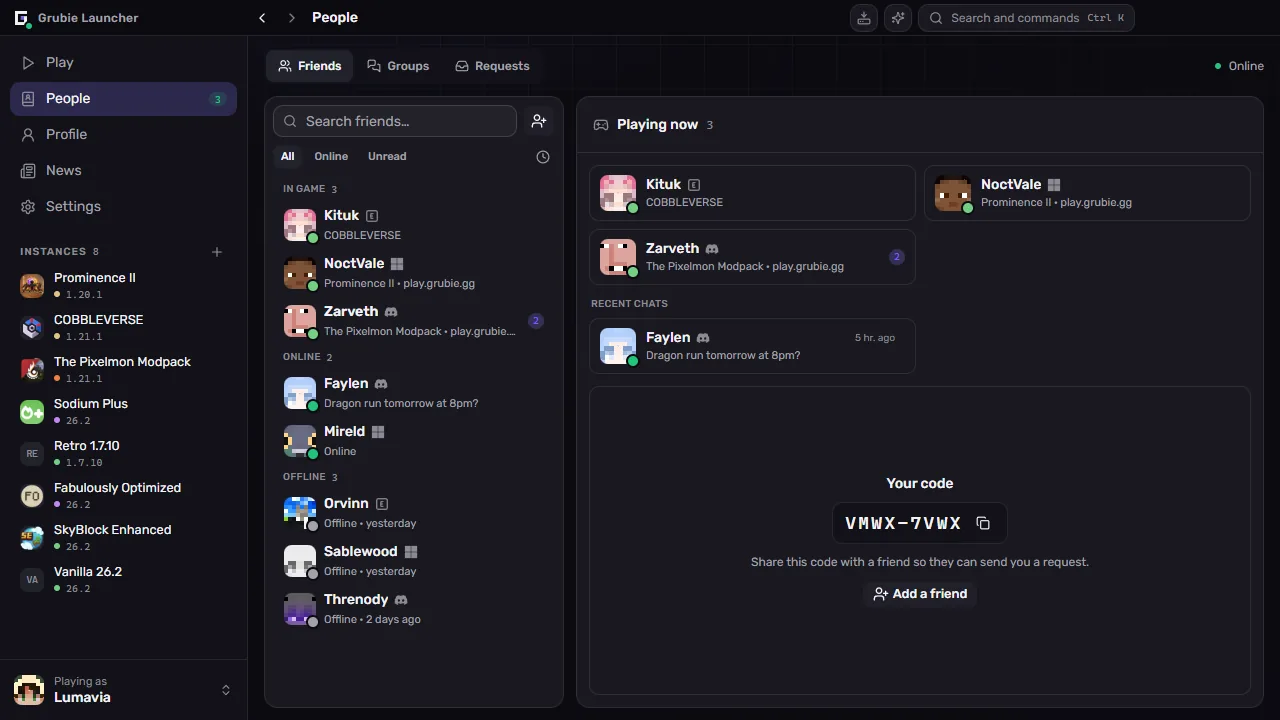
Open a world for friends



03Assistant
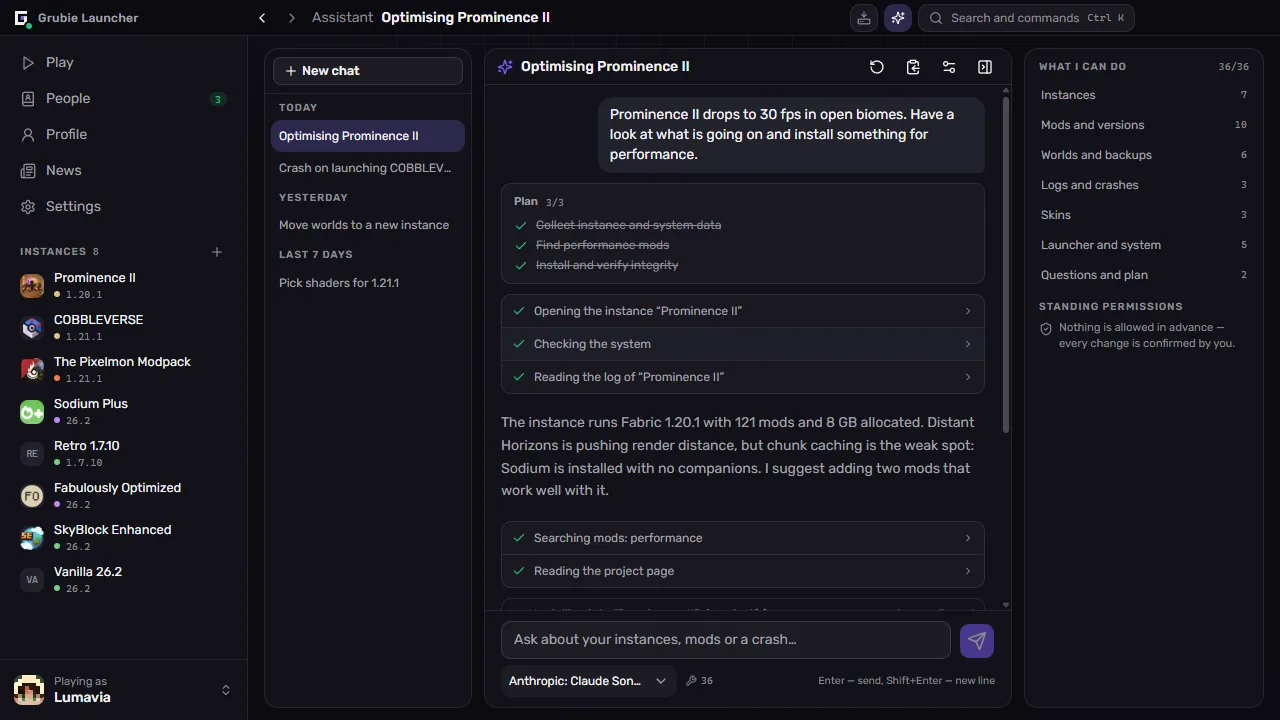
An assistant that does the work for you
- Builds an instance
- Finds mods
- Works out why it will not start
- Tidies up
You'll need your own API key — any compatible provider or a local model — and a Microsoft, Discord or Ely.by sign-in.
Speeding up Skyforge Odyssey
Runs on your own key — any compatible provider or a local model
04Modpacks
Share a modpack — friends get every update
Drop a .mrpack or .zip here
CurseForge · Modrinth · Prism
The file stays on your computer: only its name and size are read here.

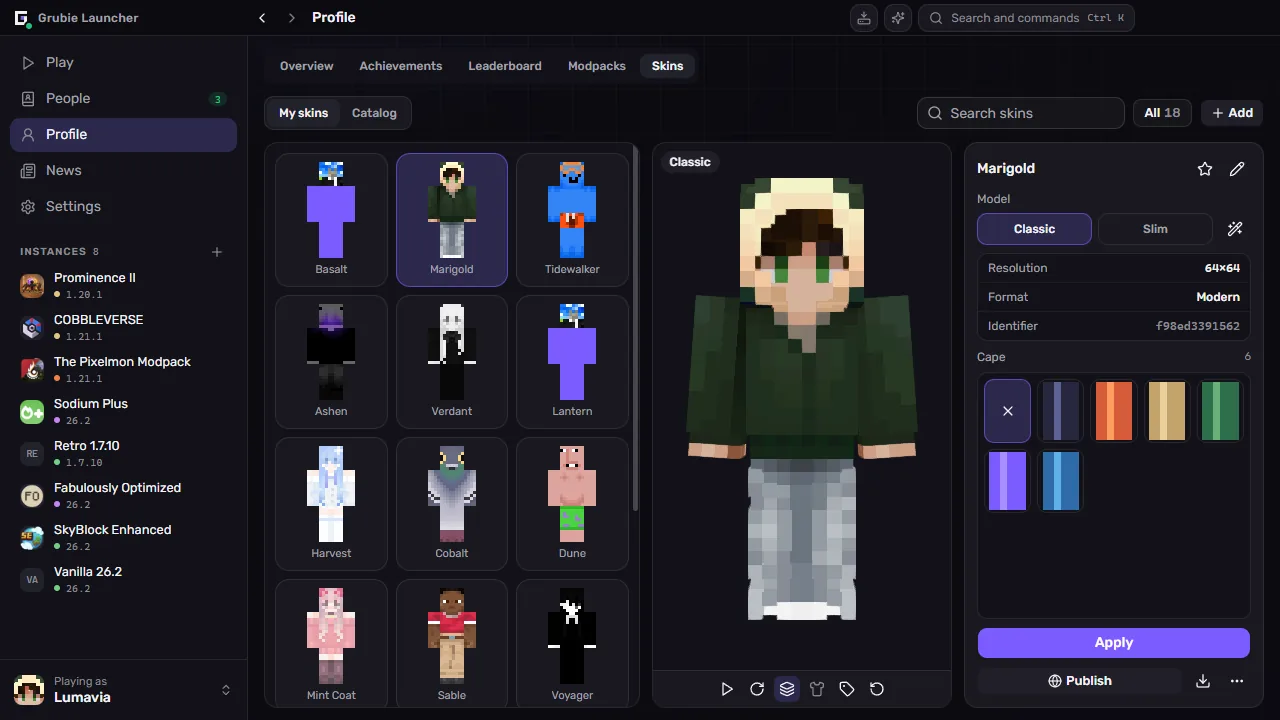
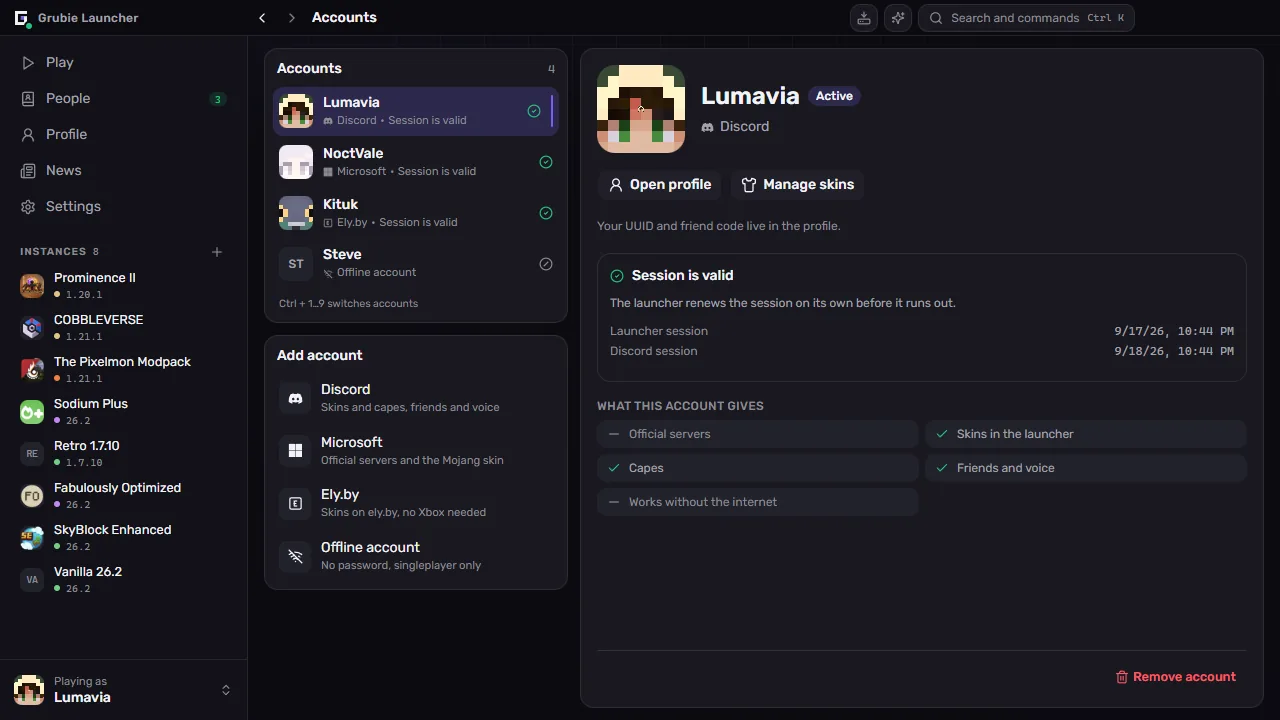
05Skins and accounts
Skins, capes and every kind of account

Most taken
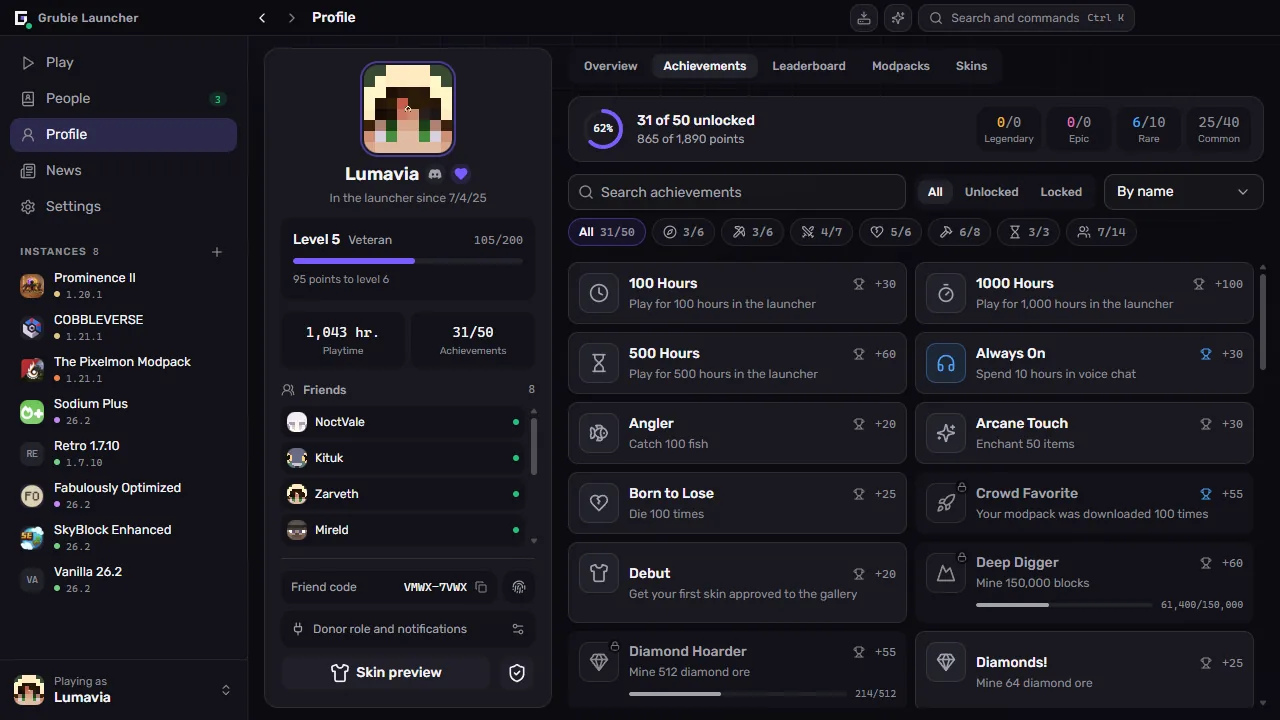
06Achievements
Play as usual. Achievements come on their own.
Rarest right now

Your world data stays on your computer — only your nickname and score reach the leaderboard.
07And also
The small things that add up
Crashes, explained
When the game crashes, the launcher names the cause and suggests a fix. Still stuck? Send the log for AI analysis — no key, no setup.
Your own server
Create and run a server right from the launcher — on Vanilla, Paper, Spigot, Bukkit, Forge, NeoForge, Fabric or Quilt.
Friends and co-op
A friend has a world open — hit “Play”: the launcher installs their modpack at the right version and connects you. Chat, invites and shared modpacks are built in.
Java is handled
The right Java for every version downloads by itself — no installers, no PATH.
Updates itself
New versions install in the background. If GitHub is out of reach, the update comes from our own mirror.
Open source
All of the code is open on GitHub: read it, suggest a fix or build the launcher yourself.